Choosing tools for 2D character animation
Compare character-animation workflows by the intended use: streaming, games, recorded performance or a finished film.
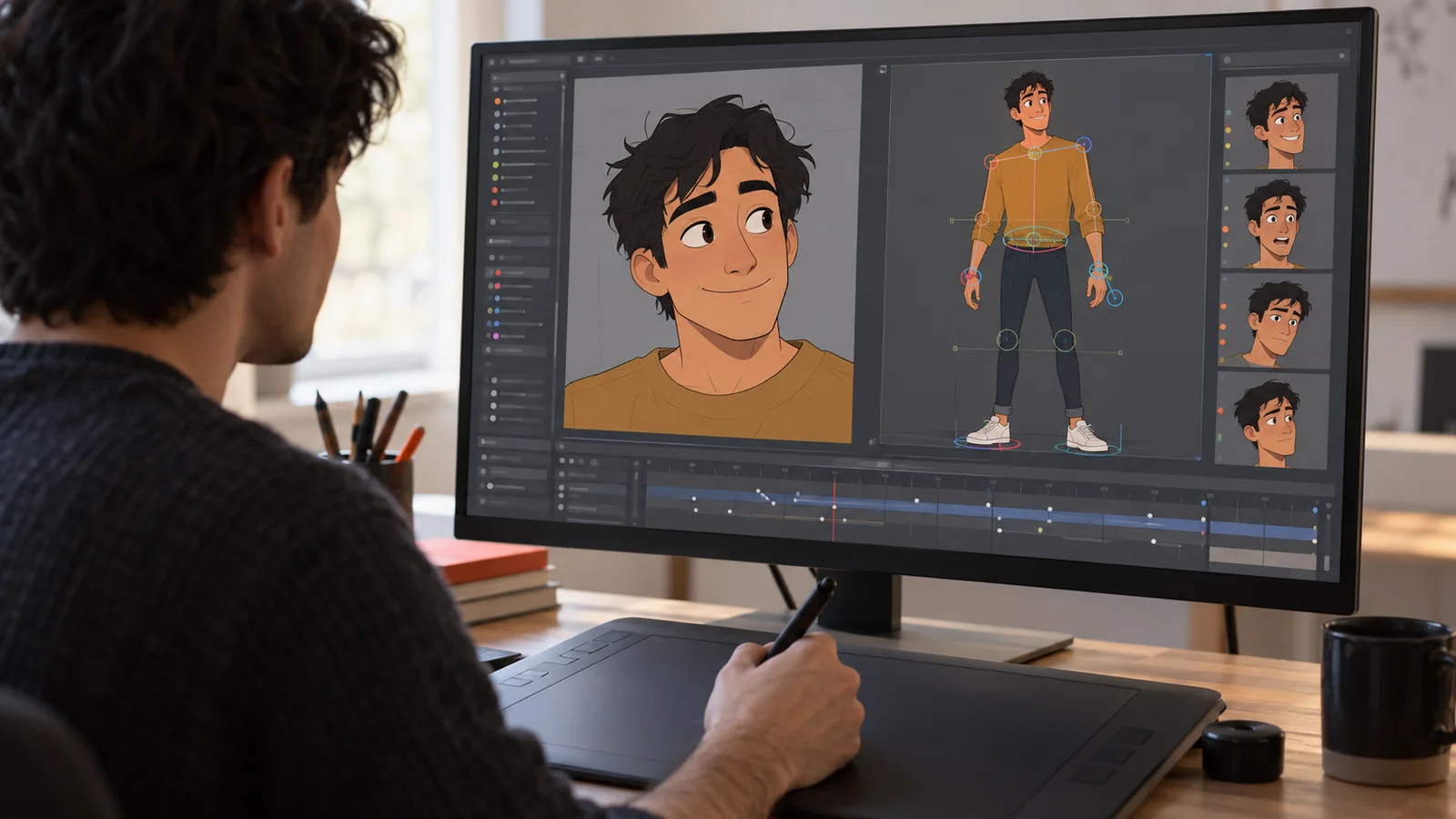
A 2D character can be animated in several ways, including Live2D, Spine, Adobe Character Animator and After Effects. There is no single best tool. The choice depends on whether the character must respond live, run inside a game, or appear in a finished video.
Live2D: preserve the illustration’s character
Live2D can add changes in face direction, expressions, breathing, hair and clothing movement while retaining the original illustration. It is often useful for conversation-led characters and streaming. Prepare the artwork in suitable separate parts, such as eyes, mouth, hair and clothing, before rigging.
Spine: reusable animation for games
Spine combines image parts and a skeleton to build 2D animation. It can support sets of actions such as idle, movement and attacks for a character used repeatedly in a game. Confirm the target engine, runtime compatibility, number of actions and export requirements before production.
Adobe Character Animator: performance-led animation
Adobe Character Animator can use webcam and microphone input to record character performance and lip sync. This can suit talking characters for programmes, explanatory videos or streaming. Layer structure and naming need preparation, and recorded performances may still need editing and refinement.
After Effects: assemble the finished film
After Effects can combine character animation with typography, backgrounds, camera movement, effects, logos and sound. Motion made elsewhere can be edited into an advertisement, social clip or service-introduction film.
Choose around the intended use
- Conversation or live characters: consider Live2D or Adobe Character Animator
- Reusable game actions: consider Spine
- A finished advertisement, social clip or explainer: plan the overall film workflow
- Illustration-led character motion with broader direction: combine tools where useful
- Changing drawn shapes and detailed acting: also consider frame-by-frame animation
These are starting points, not strict limits. Confirm the target platform, licences, version compatibility and delivery requirements for the actual project.
What to prepare
- Full-body character artwork and expression references
- The streaming environment, game engine or publishing channel
- A list of actions and expressions
- Whether live control is required
- Source-file delivery and future update needs
- Launch date and time for testing
KENIKO can plan illustration, character motion and the finished film around the same objective, using the production approach suited to the project.